Listen
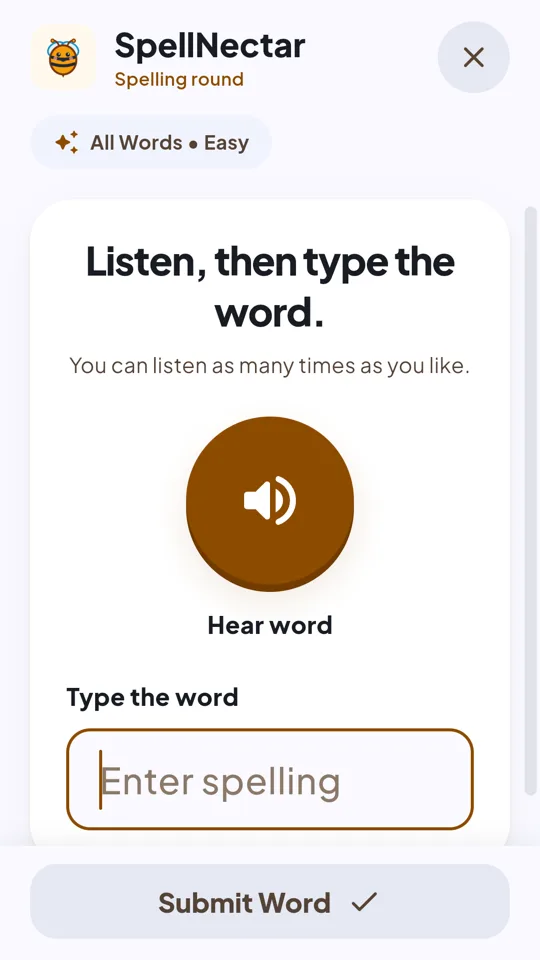
Every word is read aloud. Replay it as many times as you like.
SpellNectar turns spelling practice into a calm, buzzing adventure. Each word is read aloud, your child types the spelling, and sees right away how they did.
Free on Android · No sign-up · Made for ages 6 to 12
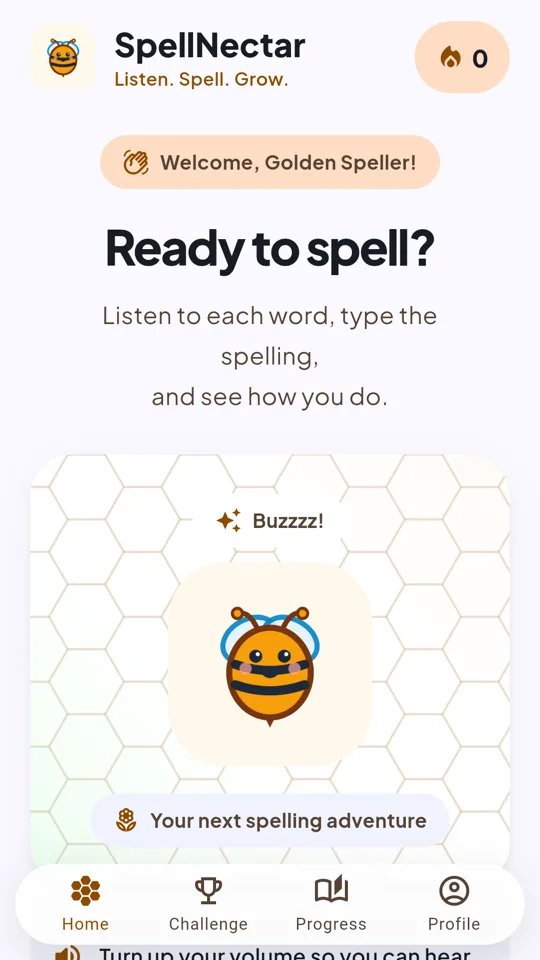
Every round follows the same simple rhythm, so kids can focus on the words.
Every word is read aloud. Replay it as many times as you like.
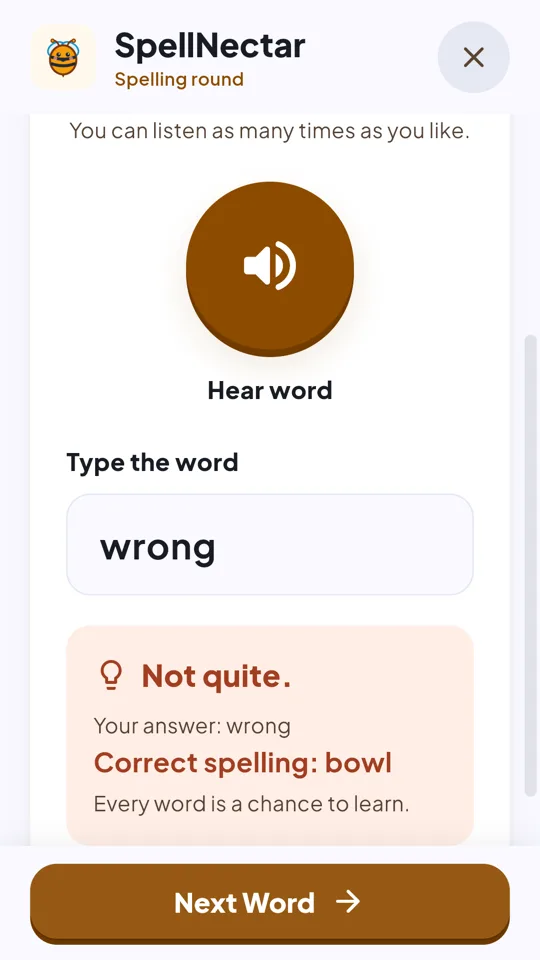
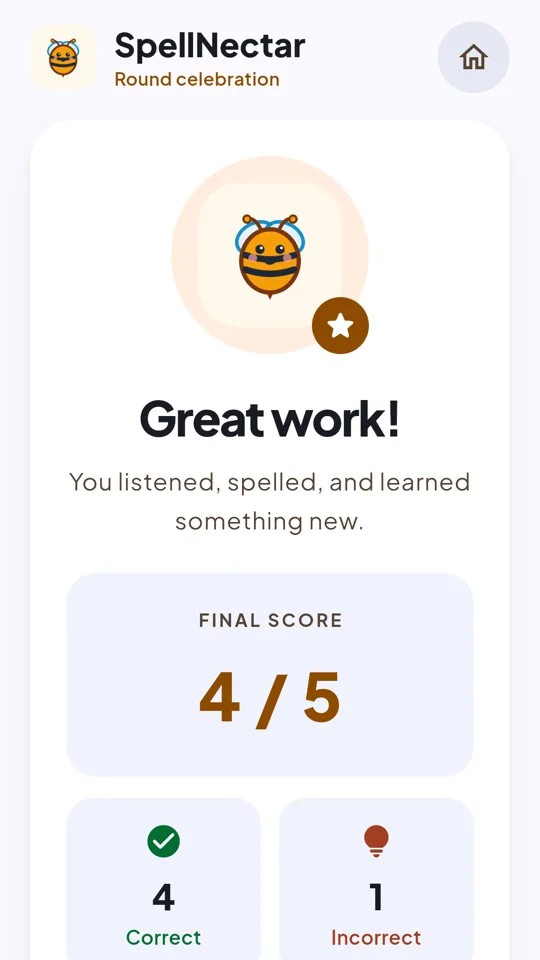
Type the spelling and see right away how you did.
Missed words come back in a quick review so they stick for next time.
Practice at home or in the classroom, at the right level for each child.
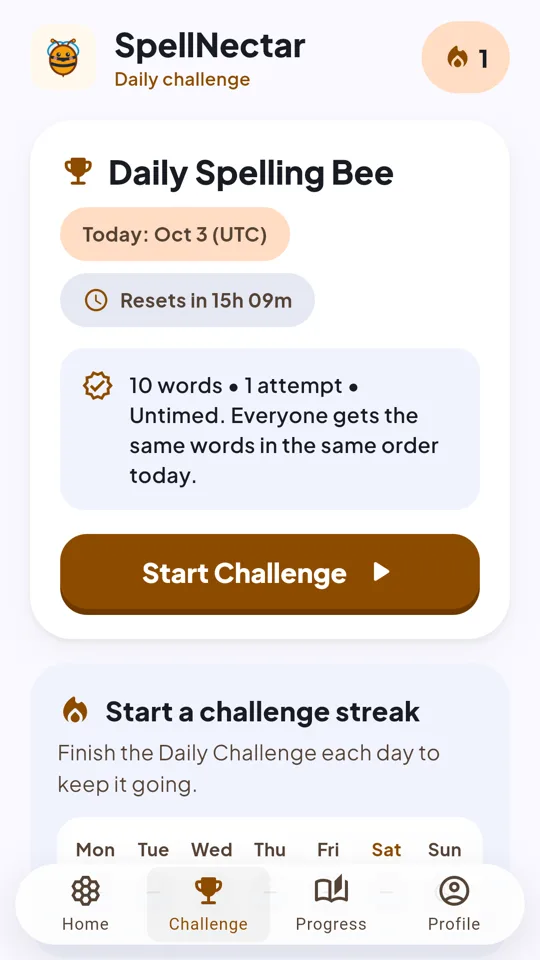
Ten new words every day, the same for every player. Keep your streak going.
Climb the boards with a made-up bee name. Real names never appear.
Choose easy, medium, or hard words, and how many to play each round.
Turn on the timer for a real spelling bee feel, or take it slow.
Tricky words are collected in one place for focused practice.
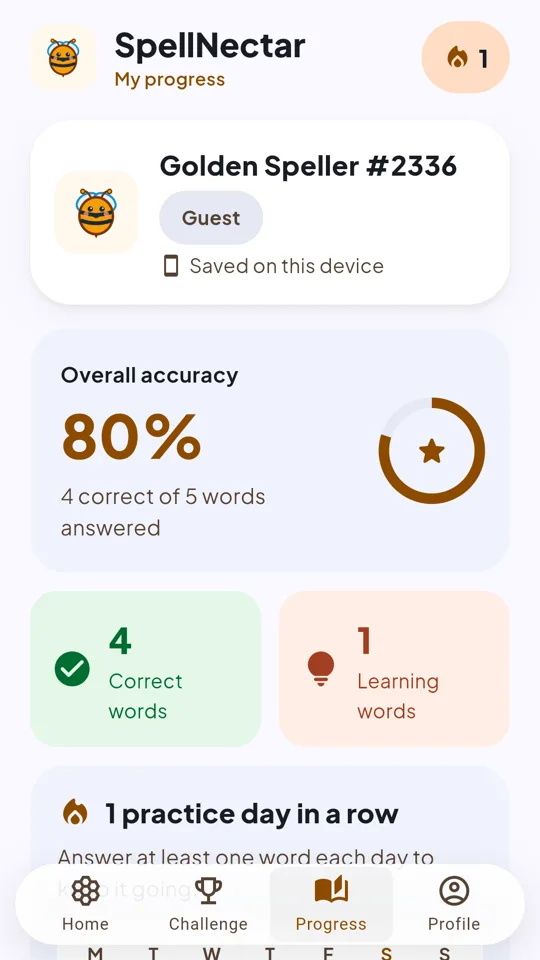
Accuracy, streaks, badges, and game history show how far you've come.
SpellNectar collects as little as possible. Kids never enter an email, a real name, or a photo.
Yes. The app is free to download and is supported by child-directed, G-rated ads.
SpellNectar is designed for children aged 6 to 12. Easy, medium, and hard word sets let you match the level to each child.
Android, through Google Play. Words are read aloud by the device's own text-to-speech, so turn the volume up.
Some features, like progress backups, leaderboards, and new words, need an internet connection.
No. The app does not access the microphone, camera, contacts, location, or photos.
Absolutely. The Daily Challenge gives every player the same ten words, which makes it a fun shared warm-up for a class.
In the app, open Profile and tap Start Over. You can also request deletion by email.
Free on Google Play
Download SpellNectar on Android and start spelling today. No sign-up needed — just open the app and play.
Get it on Google PlayFree on Android · No sign-up · Made for ages 6 to 12